High Ambitions: overview
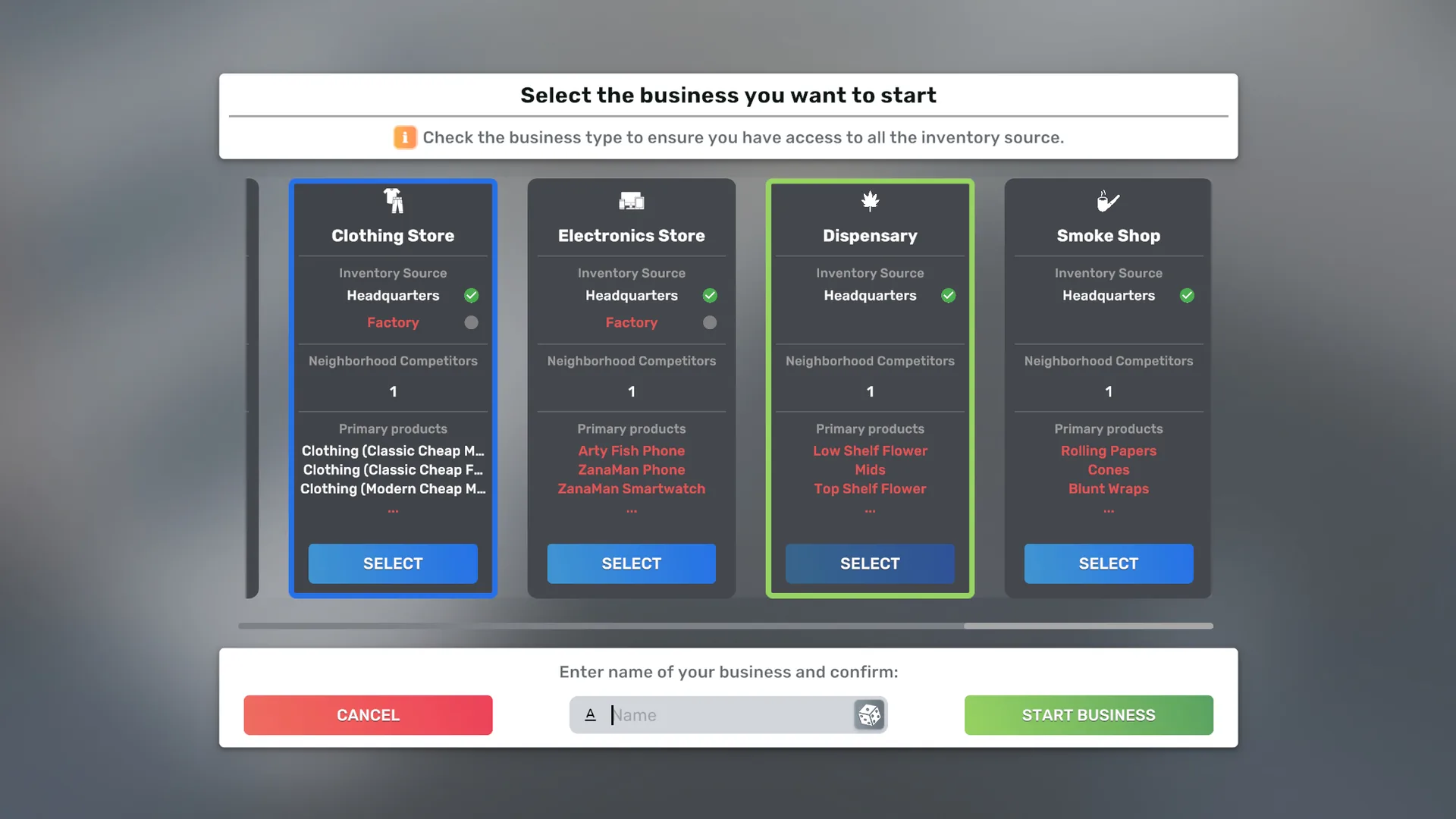
High Ambitions adds two cannabis retail businesses to the city: the Dispensary and the Smoke Shop. This guide is the online version of the High Ambitions pages in the game's own Help window.
Two businesses, two ranges
The Dispensary and the Smoke Shop are separate businesses with separate ranges. The Dispensary sells cannabis; the Smoke Shop sells tobacco, smoking accessories and glass. Nothing is sold by both, so running one of each is a way to cover the whole market rather than a way to duplicate stock.
- Dispensary: 15 products, from flower and pre-rolls to edibles, vape carts and concentrates.
- Smoke Shop: 10 accessories and pieces of glass, alongside the game's own cigarettes, cigars, soda and energy drink.
Quick start
- Rent a retail building and start a Dispensary or a Smoke Shop from the Business app, exactly like a vanilla store.
- Furnish it yourself, or have the Interior Installation Firm fit an official design (below). Every store needs shopping baskets, a point of sale, and display furniture that suits what you want to sell.
- Order stock from Importers in your Headquarters. See Supply and products.
- Stock at least one product from each required category, or no customers will come. Each store's page lists its categories.
- Consider placing the two stores near each other: see Proximity Synergy.
Official store designs
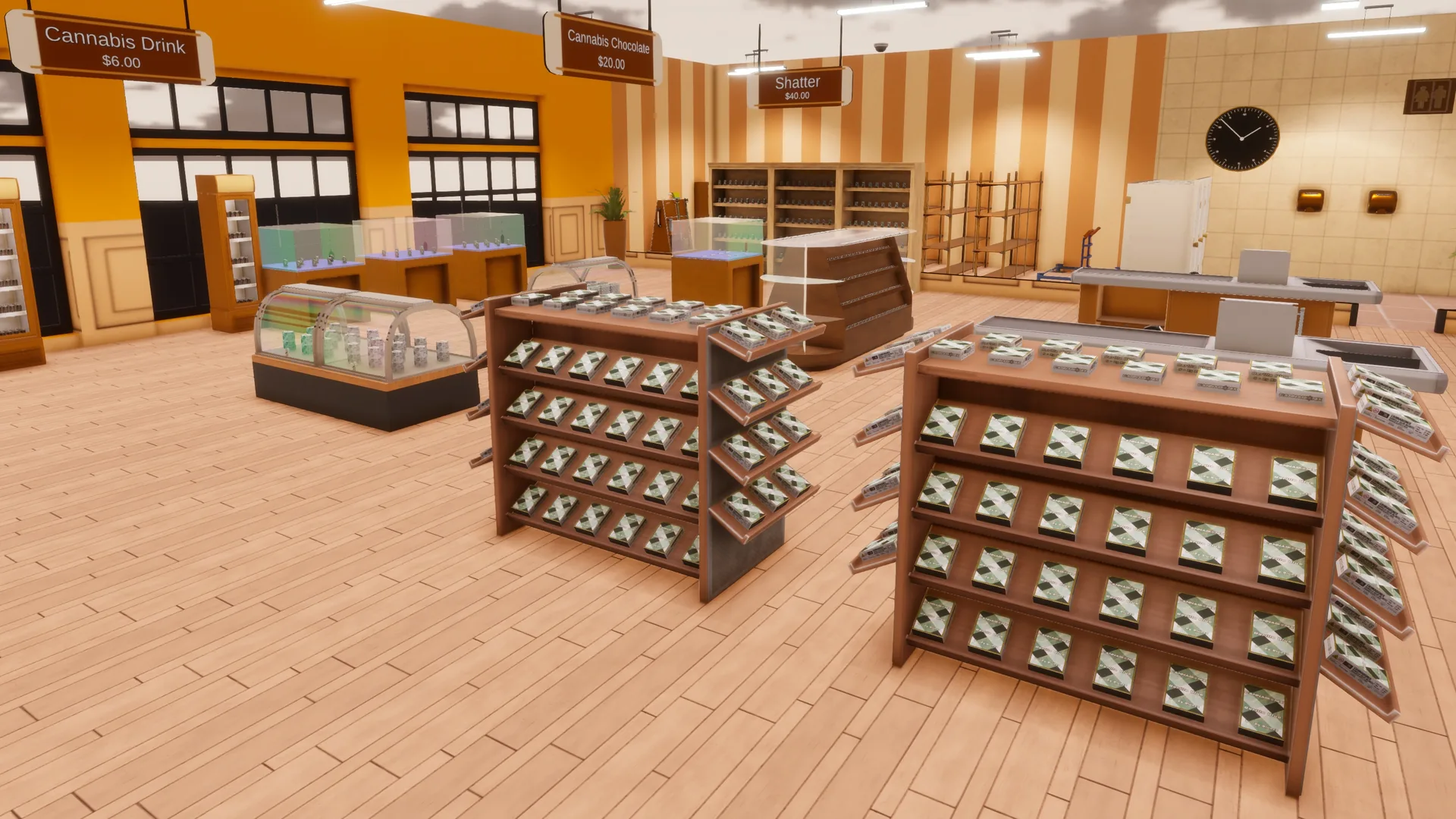
The Interior Installation Firm offers an official High Ambitions design for each store in the building sizes A1, A2, C1, C2, D2 and M1, twelve in all. Once a building is set up as a Dispensary or a Smoke Shop, the Firm lists the design for that store and size next to the vanilla designs, as High Ambitions Dispensary C1, High Ambitions Smoke Shop A2 and so on. When an update improves a design, new Firm orders and AI competitors' stores use the new version; a store you have already furnished is never rearranged.
AI competitors
AI rivals can open Dispensaries and Smoke Shops of their own, and compete with yours for customers. That part comes from BusinessBridge, a separate mod High Ambitions requires: keep it installed and enabled whenever High Ambitions is. If it goes missing, High Ambitions still loads, but AI-owned Dispensaries and Smoke Shops already in your city cannot be entered until BusinessBridge is re-enabled. Everything else in this guide, the products, supply, requirements, designs and proximity bonus, is High Ambitions itself.
AI-owned stores are furnished from the same twelve official designs.
After an update
After you update High Ambitions, a What's New message lists the changes once a city has loaded. Choose Got it and it is not shown again, in this or any other save, until the next update; Close brings it back the next time you start the game. To read it again at any time, use Show What's New in Settings > Mods > High Ambitions. When an update offers a one-time choice for your stores, such as applying new recommended prices, each save asks once, and nothing changes unless you choose it.
Help inside the game
The same pages are in the game: press F1 and open the High Ambitions category, or use the ? buttons next to High Ambitions items in BizMan. Help search finds a page by its title, for example "Dispensary" or "Smoke Shop".
Where to go next
- Dispensary and Smoke Shop: requirements, and which furniture displays which product.
- Supply and products: where the stock comes from, and prices.
- Troubleshooting and compatibility: if something does not behave as described.
- Removing High Ambitions: read it before you ever remove the mod.