CustomerFlow: getting started
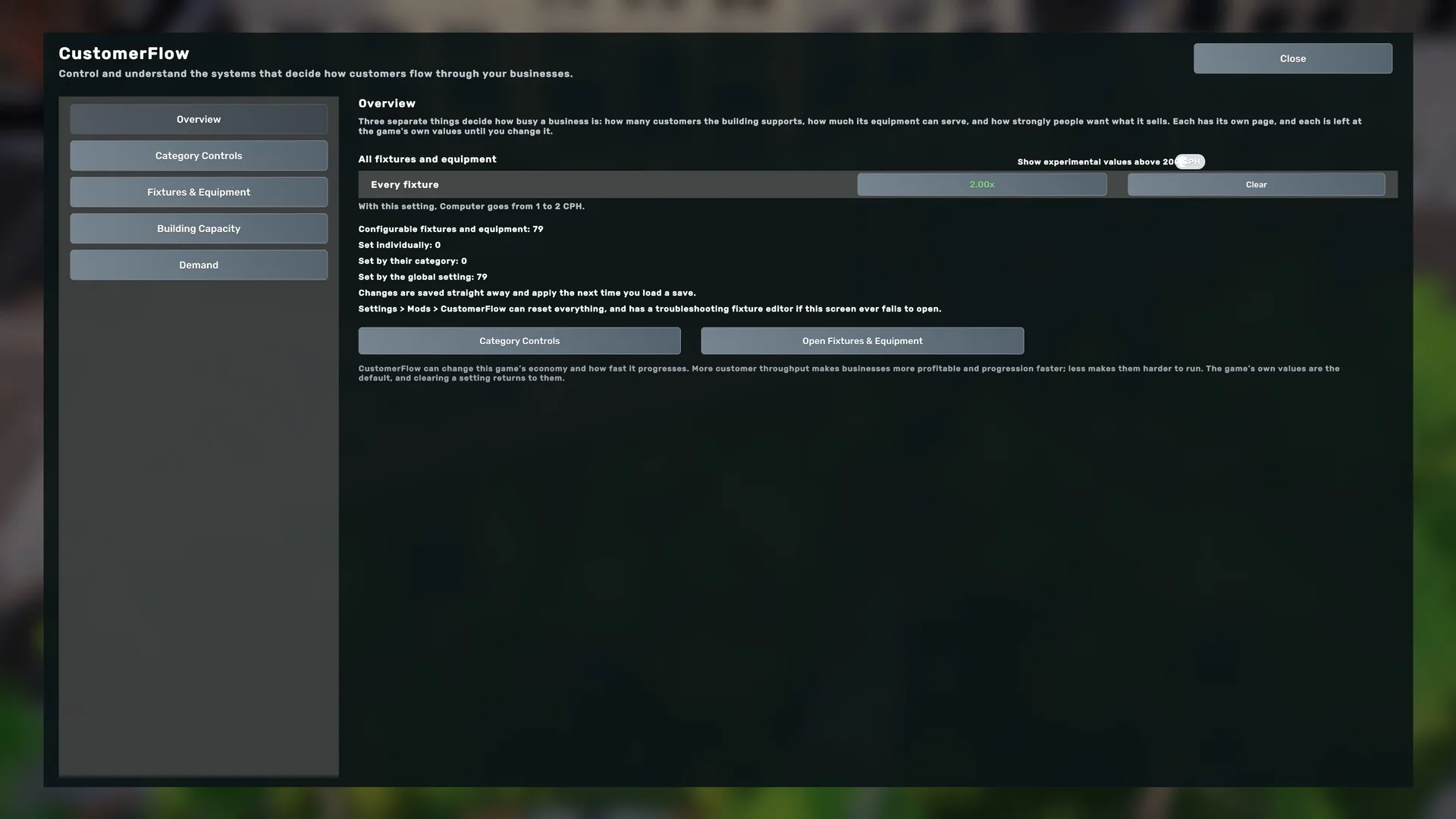
CustomerFlow lets you change three separate parts of Big Ambitions: Fixture Throughput, Building Capacity and Demand.
The three controls
- Fixture Throughput: how many customers per hour (CPH) your equipment can serve.
- Building Capacity: how many customers a building supports.
- Demand: how much of what is on offer people actually want.
Everything starts neutral: Inherit for fixtures, No change for Building Capacity and 1.00x for Demand. Installing CustomerFlow on its own changes nothing, and changing one control does not change the others.
Install it
- Subscribe to CustomerFlow on the Steam Workshop.
- Start Big Ambitions, or restart it if it was running: the game reads mods when it starts.
- Check that CustomerFlow is enabled in the game's mod list.
Update it
Steam updates Workshop mods for you. Restart the game after an update so the new version is the one that loads.
First use
- On the main menu, press the CUSTOMERFLOW button.
- Set what you want on its pages.
- Load a save. Changes apply the next time you load a save, and changing a setting while playing does nothing until then.
CustomerFlow is available in English, French, Spanish and Simplified Chinese and follows the game's language. Any other game language shows English.
After an update, CustomerFlow shows its release notes once per character, after the city has loaded. Got it records that for all of that character's saves; Close only hides them until you next start the game.
Getting support
Still stuck? Open a private CustomerFlow ticket. No account is needed, and nothing you send is published. Your mod version, your game build and what you did just before the problem are the most useful details.